Runs in the background
Always in the menu bar. No Dock icon, and nothing getting in the way.
MouseFlipper switches macOS scroll direction for you. Connect a mouse → standard scrolling. Disconnect it → natural trackpad scrolling.
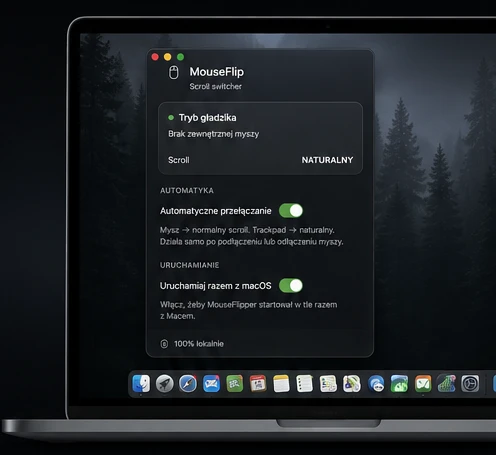
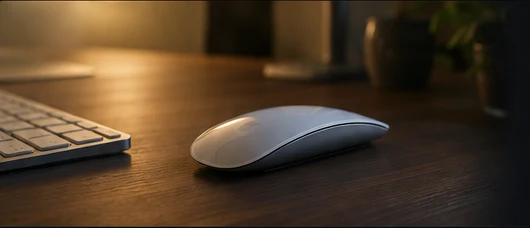
MouseFlipper exists so you no longer change scroll direction by hand every time you connect or disconnect a mouse.
No overloaded control panels. Only the settings you actually need.
Always in the menu bar. No Dock icon, and nothing getting in the way.
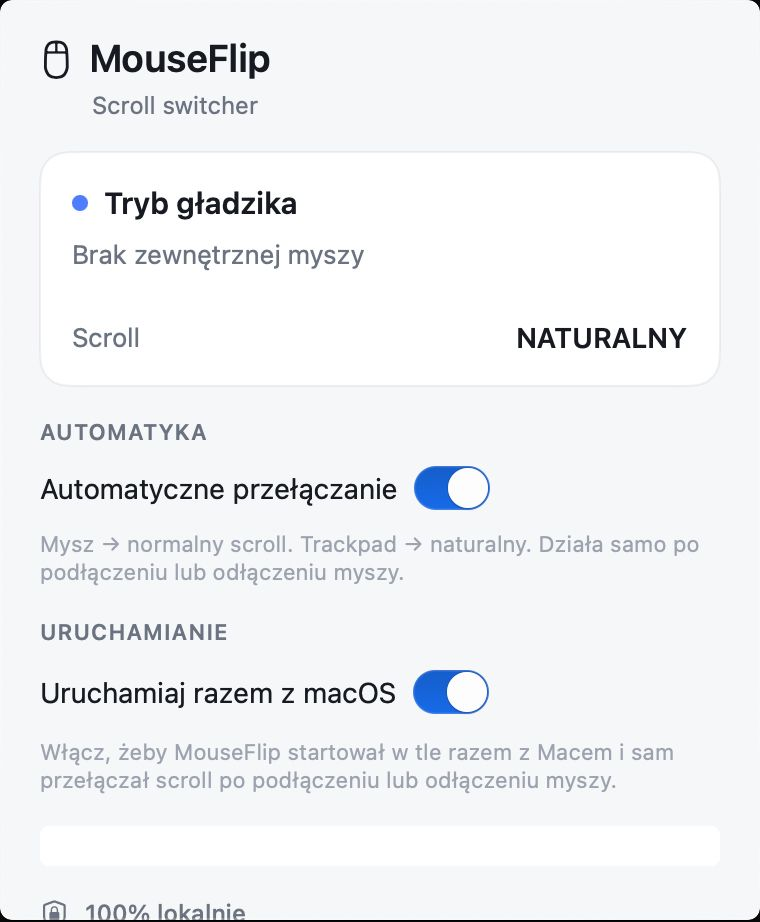
Automatic switching and launch-at-login in one compact view.
Connect a mouse → standard scrolling. Disconnect it → natural trackpad scrolling.
Download MouseFlipper and stop changing scroll direction by hand.
A few steps, without extra system permissions.
Natural scrolling on the trackpad feels right for many people, but the same mouse scroll direction on macOS often feels backwards. MouseFlipper handles a different scroll direction for mouse and trackpad the simple way: connect a mouse for standard mouse scrolling, disconnect it for natural trackpad scrolling.
The utility runs locally, with no account and no analytics. It does not ask for extra permissions. Mouse detection uses I/O Registry / IOKit, without Accessibility, Input Monitoring or CGEventTap.
Short answers about mouse scroll direction on Mac and what MouseFlipper does not need.
Yes. The project is distributed for free and its source is publicly available in the GitHub repository.
No. MouseFlipper runs locally without analytics, an account or network functionality.
The current project requires macOS 13 Ventura or newer and supports Intel and Apple Silicon Macs.
No. MouseFlipper does not use Accessibility, Input Monitoring or CGEventTap. Mouse detection is handled through I/O Registry / IOKit.
That is intentional. MouseFlipper is a menu bar utility designed to stay out of the way.